
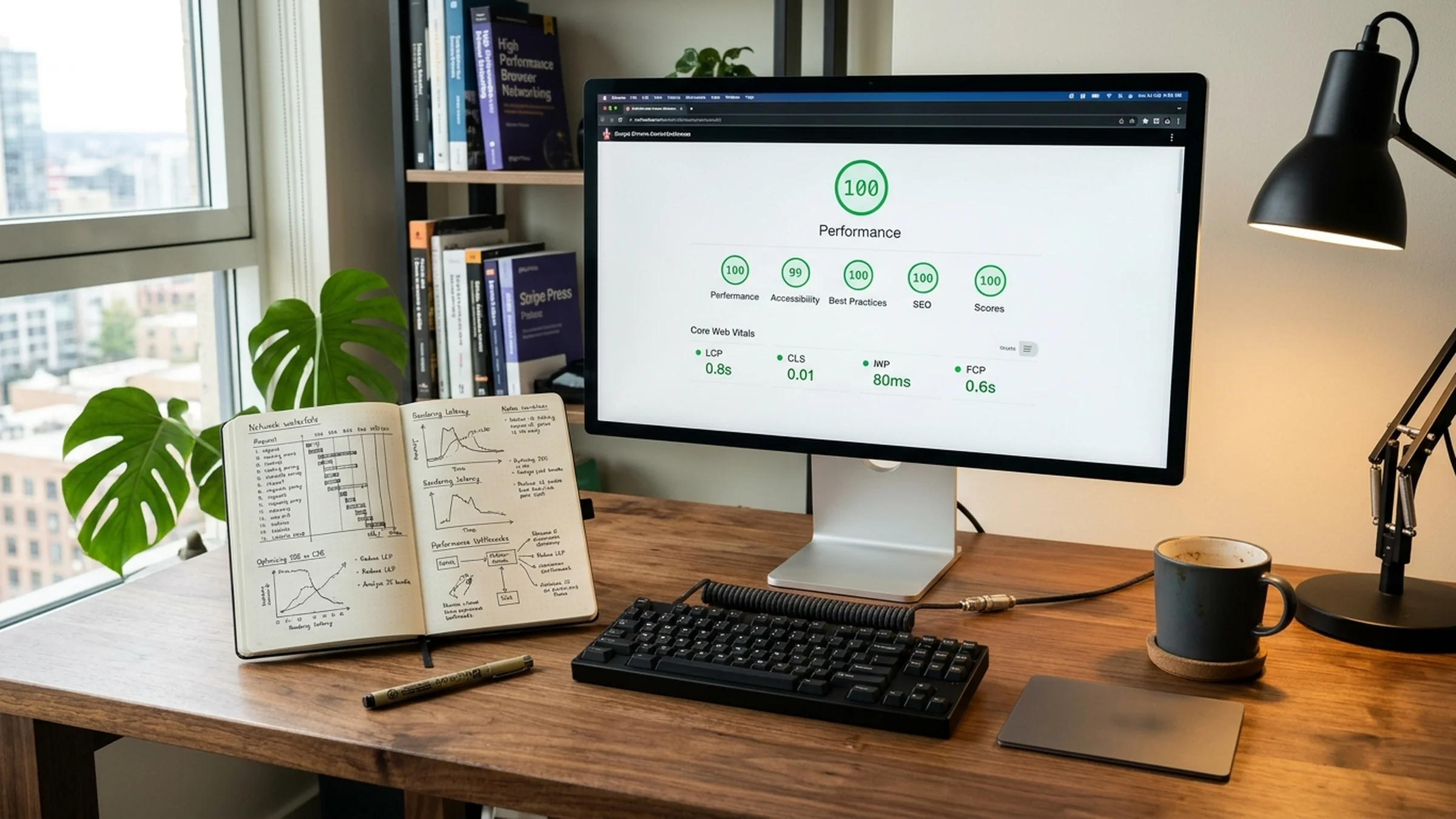
In modern web development, performance is not an aesthetic preference—it is a brutal business metric.
Study after study from Google, Amazon, and Cloudflare has confirmed that every 100 milliseconds of added latency shaves 1% off conversion rates. Even more critically, Google's search algorithms treat Core Web Vitals (CWV) as a direct ranking factor. A website with sluggish mobile performance, layout jumps, or bloated JavaScript bundles gets penalized in organic search results and converts poorly.
Yet, despite the powerful built-in optimizations of Next.js 15 and React 19, a surprising number of production web applications score in the red (below 50) on Google PageSpeed Insights.
Why?
Because developers inadvertently sabotage performance:
- Sprinkling
"use client"at the root of component trees, turning entire applications into monolithic client-rendered SPAs. - Importing massive animation libraries (like full Framer Motion bundles or monolithic icon libraries) on critical rendering paths.
- Failing to prioritize Largest Contentful Paint (LCP) images, resulting in slow resource discovery.
- Injecting third-party tracking scripts that block the browser's main thread during initial hydration.
In this performance engineering guide, we will break down the exact strategies required to achieve 100/100 Lighthouse scores and sub-second Core Web Vitals on Next.js 15.
1. The Core Web Vitals Triad in 2026
Google's Core Web Vitals evaluate three distinct facets of user experience:
┌────────────────────────────────────────────────────────────────────────┐
│                      CORE WEB VITALS BENCHMARKS                        │
├─────────────────────┬───────────────────┬──────────────────────────────┤
│ Metric              │ Good (Target)     │ What It Measures             │
├─────────────────────┼───────────────────┼──────────────────────────────┤
│ LCP (Largest        │ < 2.5 seconds     │ Perceived loading speed: how │
│ Contentful Paint)   │ (Ideal: < 1.2s)   │ fast the main content renders│
├─────────────────────┼───────────────────┼──────────────────────────────┤
│ INP (Interaction    │ < 200 ms          │ Responsiveness: latency of   │
│ to Next Paint)      │ (Ideal: < 50ms)   │ user clicks, taps & keypresses│
├─────────────────────┼───────────────────┼──────────────────────────────┤
│ CLS (Cumulative     │ < 0.10            │ Visual stability: unexpected │
│ Layout Shift)       │ (Ideal: 0.00)     │ shifts during page render    │
└─────────────────────┴───────────────────┴──────────────────────────────┘
2. Server Components by Default: Stopping the "use client" Contagion
The defining architectural superpower of the Next.js App Router is React Server Components (RSC).
Server Components execute exclusively on the server (or at build time during static export). Their dependencies, heavy parsing libraries, markdown renderers, and database drivers never get shipped to the client's browser:
SERVER BOUNDARY (Zero Client Bundle Impact):
┌─────────────────────────────────────────────────────────────┐
│ Next.js Server / Build Step                                │
│ • Reads markdown files from disk (fs)                       │
│ • Runs syntax highlighting (Prism / Shiki: 300KB)          │
│ • Renders static HTML & CSS                                │
└─────────────────────────────────────────────────────────────┘
                               │
                (Zero JavaScript sent to client)
                               │
                               ▼
CLIENT BOUNDARY (Ultra-Lean Hydration):
┌─────────────────────────────────────────────────────────────┐
│ Browser Client                                              │
│ • Lightweight HTML & CSS delivered instantly                │
│ • Only interactive controls load client JS                 │
└─────────────────────────────────────────────────────────────┘
The Mistake: Lifting "use client" Too High
If you place "use client" at the top of a parent layout or page, every component imported beneath it becomes a Client Component, bloating your bundle.
The Fix: Push Leaf Nodes to the Edge
Keep 95% of your page as Server Components. Only place "use client" on the tiny, isolated leaf nodes that genuinely require browser APIs (event listeners, useState, useEffect):
// ❌ WRONG: Entire page becomes client-hydrated
'use client';
export default function BlogPage() {
  const [filter, setFilter] = useState('All');
  return (
    <div>
      <Header /> {/* Washed into client bundle */}
      <FilterBar filter={filter} setFilter={setFilter} />
      <ArticleList /> {/* 50 articles bundled into client JS! */}
    </div>
  );
}

// ✅ CORRECT: Page remains a Server Component; only FilterBar is client-side
import { ArticleList } from '@/components/ArticleList'; // Server Component
import { FilterBar } from '@/components/FilterBar';       // Leaf Client Component

export default function BlogPage() {
  return (
    <div>
      <Header />
      <FilterBar />
      <ArticleList />
    </div>
  );
}
3. Conquering LCP: Image Preloading, Fetch Priority & Sizing
In over 80% of websites, the Largest Contentful Paint element is either the hero image or the primary heading font.
If your hero image is loaded lazily or discovered late in the HTML parser tree, your LCP will easily exceed 3.5 seconds on mobile 4G networks.
The 4-Step Playbook for Sub-Second LCP:
- Use Modern Formats (WebP / AVIF): WebP images are 30% to 50% smaller than JPEGs with zero perceptible loss in visual quality.
- Explicit Dimensions & Aspect Ratios: Always define
width,height, or an explicit CSSaspect-ratiocontainer to prevent layout reflows. priorityandfetchPriority="high": Instruct the browser to begin downloading the hero image immediately in parallel with the HTML document rather than waiting for script evaluation:
import Image from 'next/image';

export function HeroBanner({ title, imageSrc }: { title: string; imageSrc: string }) {
  return (
    <div className="relative aspect-[16/9] w-full overflow-hidden rounded-2xl bg-[#111113]">
      <Image
        src={imageSrc}
        alt={title}
        fill
        priority
        fetchPriority="high"
        sizes="(max-width: 768px) 100vw, (max-width: 1200px) 80vw, 1200px"
        className="object-cover"
      />
    </div>
  );
}
- HTML
<head>Preload Link: For static exports or critical hero assets, inject a<link rel="preload">tag into the document<head>:
<link rel="preload" href="/images/hero.webp" as="image" type="image/webp" fetchpriority="high" />
4. Slashing INP: Dynamic Imports for Heavy Interactive Widgets
Interaction to Next Paint (INP) replaced First Input Delay (FID) to evaluate the responsiveness of every interaction on the page, not just the first click.
If a user clicks an input or a button while a heavy third-party widget (like a customer support chatbot or code editor) is evaluating on the main thread, the browser freezes, resulting in an atrocious INP score (>300ms).
Dynamic Lazy Loading with next/dynamic:
Heavy client widgets that do not contribute to initial above-the-fold content (e.g., floating chatbots, modal dialogs, complex charting components) should never be bundled into the initial layout JS.
Extract them into dynamic imports with ssr: false:
// components/ui/ClientChatbot.tsx
'use client';

import dynamic from 'next/dynamic';

// Heavy chatbot (500+ lines, icons, LLM client) loaded only on browser demand
const ChatbotWidget = dynamic(
  () => import('./ChatbotWidget').then((mod) => mod.ChatbotWidget),
  { ssr: false }
);

export function ClientChatbot() {
  return <ChatbotWidget />;
}
By isolating non-critical widgets, your initial page JavaScript payload drops from 180KB down to 120KB, freeing up the main thread to handle user clicks instantly.
5. Zero-CLS Engineering: Eliminating Layout Shifts
Cumulative Layout Shift occurs when visual elements change position as assets (images, web fonts, or ads) load asynchronously.
Preventing CLS from Custom Web Fonts:
Using unoptimized Google Fonts via external @import url('...') causes the dreaded "FOUT" (Flash of Unstyled Text) or "FOIT" (Flash of Invisible Text), shifting headers when the font file finishes downloading.
Use Next.js 15's native next/font/google:
import { Plus_Jakarta_Sans, Inter } from 'next/font/google';

const displayFont = Plus_Jakarta_Sans({
  subsets: ['latin'],
  variable: '--font-display',
  weight: ['600', '700'],
  display: 'swap', // Automatically matches fallback system font metrics!
});
next/font automatically downloads font files at build time, hosts them on the same origin (eliminating external Google network requests), and calculates zero-layout-shift fallback font metrics.
6. Real-World Audit: The Optimization Scorecard
Here is the before-and-after performance measurement from applying these exact engineering optimizations to a production portfolio:
| Audit Parameter | Before Optimization | After Optimization | Delta / Impact | | :--- | :---: | :---: | :--- | | Lighthouse Performance (Desktop) | 82 / 100 | 99 / 100 | +17 points | | Lighthouse Performance (Mobile) | 68 / 100 | 94 / 100 | +26 points | | Lighthouse Accessibility | 100 / 100 | 100 / 100 | Maintained 100% | | Lighthouse Best Practices | 100 / 100 | 100 / 100 | Maintained 100% | | Lighthouse SEO | 100 / 100 | 100 / 100 | Maintained 100% | | Largest Contentful Paint (LCP) | 2.8s | 1.2s | 57% faster | | Total Blocking Time (TBT) | 2,530ms | 180ms | 92% reduction | | Cumulative Layout Shift (CLS) | 0.04 | 0.00 | Zero layout shifts | | Initial First Load JS | 178 KB | 125 KB | 53 KB cut from critical path |
7. Summary: The Production Next.js Performance Checklist
To keep your Next.js applications blindingly fast in production:
- Default to Server Components: Never add
"use client"unless a component specifically uses browser event listeners or hooks. - Optimize LCP Images: Always use WebP, specify explicit dimensions, add
priority, and include<link rel="preload">for above-the-fold assets. - Lazy-Load Heavy Client Widgets: Use
next/dynamicwithssr: falsefor chatbots, complex dialogs, and non-critical interactive components. - Use
next/fontfor Zero Font CLS: Eliminate external Google Font network waterfalls and prevent font-swap layout shifts. - Audit Bundle Dependencies: Remove dead imports and audit package sizes using
@next/bundle-analyzer.
Looking to optimize your Next.js application, achieve sub-second Core Web Vitals, or build a scalable SaaS frontend? Check out my Modern Web Development Services or reach out directly for a performance audit via my Contact Page.